Police first-aid and force medical teams treat people in custody suites, at public order events, at roadside incidents and on training. The record still has to say who did what, when, and with which equipment. Here is what a structured patient record gives a force team.
What these teams need from a record
The settings differ from an ambulance service, but the record requirements are close. You need clear authorship: who saw the patient and who wrote each entry. You need a defined end point, meaning a record that is finished, with an honest account of anything added later. You need an audit trail of who opened the record and what changed. Access has to be controlled, since patient information shouldn't be visible to everyone with a force login. And the record has to survive poor signal, because custody blocks, car parks and rural roads all lose connection.
Locking and audit
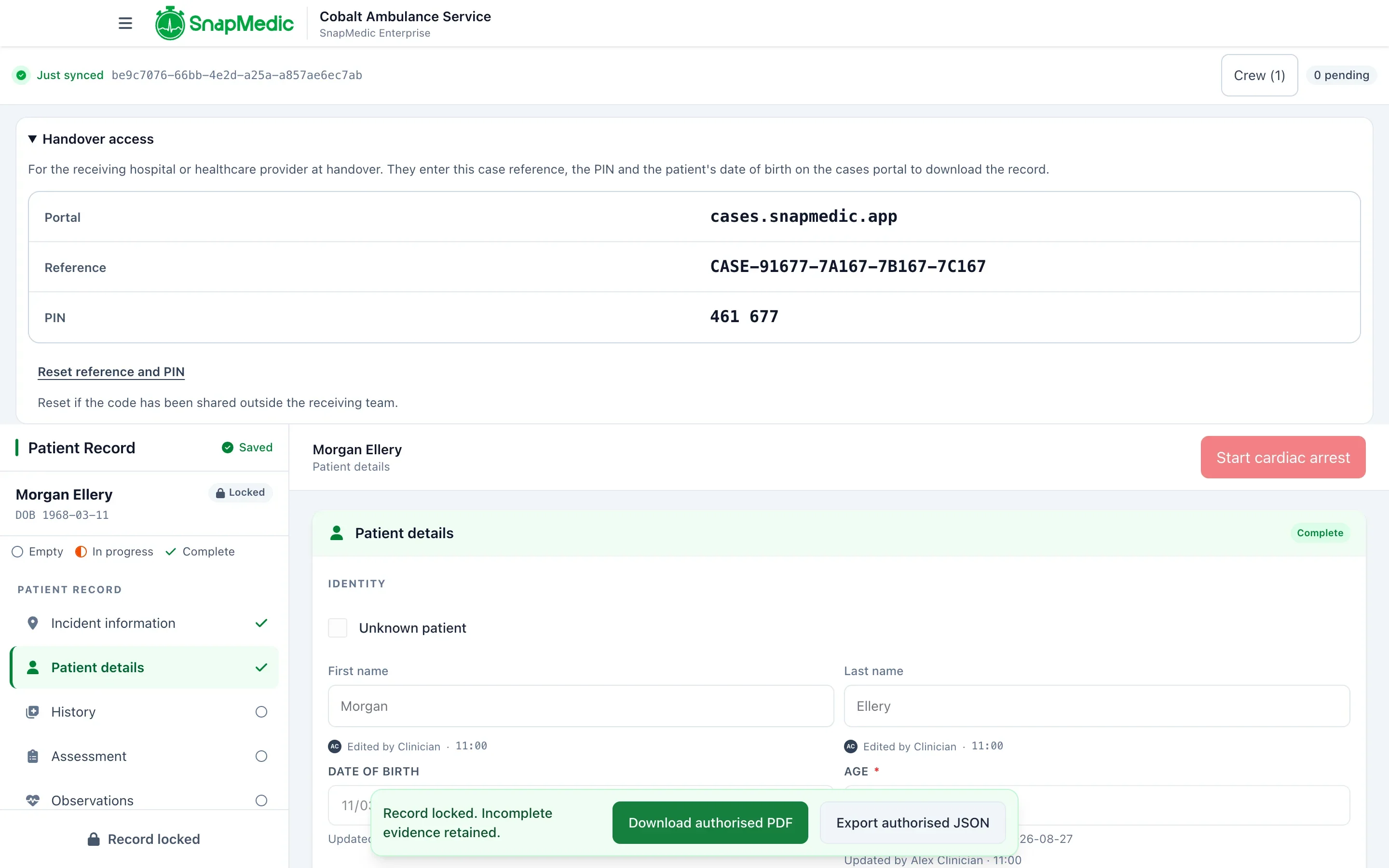
A clinician locks a record deliberately. Before locking, they see any missing required fields and can write a reason to finish with gaps. Once locked, the record is read-only. Anything received afterwards appears as a late entry, and each change shows who made it and when.
Access is governed by named permissions, organisation isolation, encryption and audit logging. Looking up an existing draft needs an exact incident reference or record ID. There is no browsable list or free-text patient search. The lookup shows the incident context first, clinical detail appears only after the clinician confirms the join, and every lookup is audited.
Locking a record is a clinician's sign-off. Your force should decide who may lock and who may add updates, and set permissions to match.
Identifying the officer
Police teams often identify people by ID number as well as name. We set up forms with your service, with required, optional and conditional fields, so an officer ID number (your force's own staff or ID number) can be a field on your form. A unit or call sign can sit alongside it. We agree how these appear when we set the form up. Each entry already carries the author's account and the time it was written.
Recording equipment and interventions
Teams carry defibrillators, airway kits, tourniquets, haemostatic dressings and more. Interventions are recorded with the time and author. Medicines are recorded against your formulary, with quantity, unit and route, and separate administration, witness or disposal signatures where your policy needs them.
Equipment notes, such as a kit identifier or the item used, can be fields on your form in the same way. You build the form yourself in the Console, and a second person approves it. Bring your current paper form or equipment log to the first conversation.
Offline and shared records
A clinician can start a record against an incident or job reference without signal. Entries save on the device and send later. When two officers or medics attend the same patient, a colleague joins the same record by exact reference and both add what they saw. While both devices are online, changes show on the other device within seconds.
A CAD number or job reference is recorded as an external reference, so the patient record can be matched to your own incident log.
Security and data handling
Patient records belong to your organisation. They are stored server-side and readable by the service for authorised synchronisation, audit and support.
SnapMedic Ltd is Cyber Essentials certified and registered with the ICO. Patient data is hosted in the UK, in our hosting provider Civo's London region, with encrypted backups kept separately with OVHcloud, also in London. Your information security team will want to run its own checks, and we'll answer their questions. Our security status note has the detail.
Good records help you evidence good practice. They don't make a force compliant with its own standards. ePCR records the clinician's account of care. It has no dose calculator and doesn't make clinical decisions.
What we'd do first
List what your team records today and mark which items are mandatory. That list is your form. Most teams find a third of their paper form is there out of habit, and that's worth knowing before anyone builds anything.
Then read about SnapMedic ePCR and tell us about your team.