Paper patient report forms work until they don't. Carbons smudge, pages go missing, and nobody can search last season's records. Plenty of small providers want to move to an electronic patient care record (ePCR) but aren't sure what the change involves. Here is what changes for crews, what to do with your existing form, and a realistic timeline.
What changes for crews
The clinical work stays the same. The way it gets written down changes.
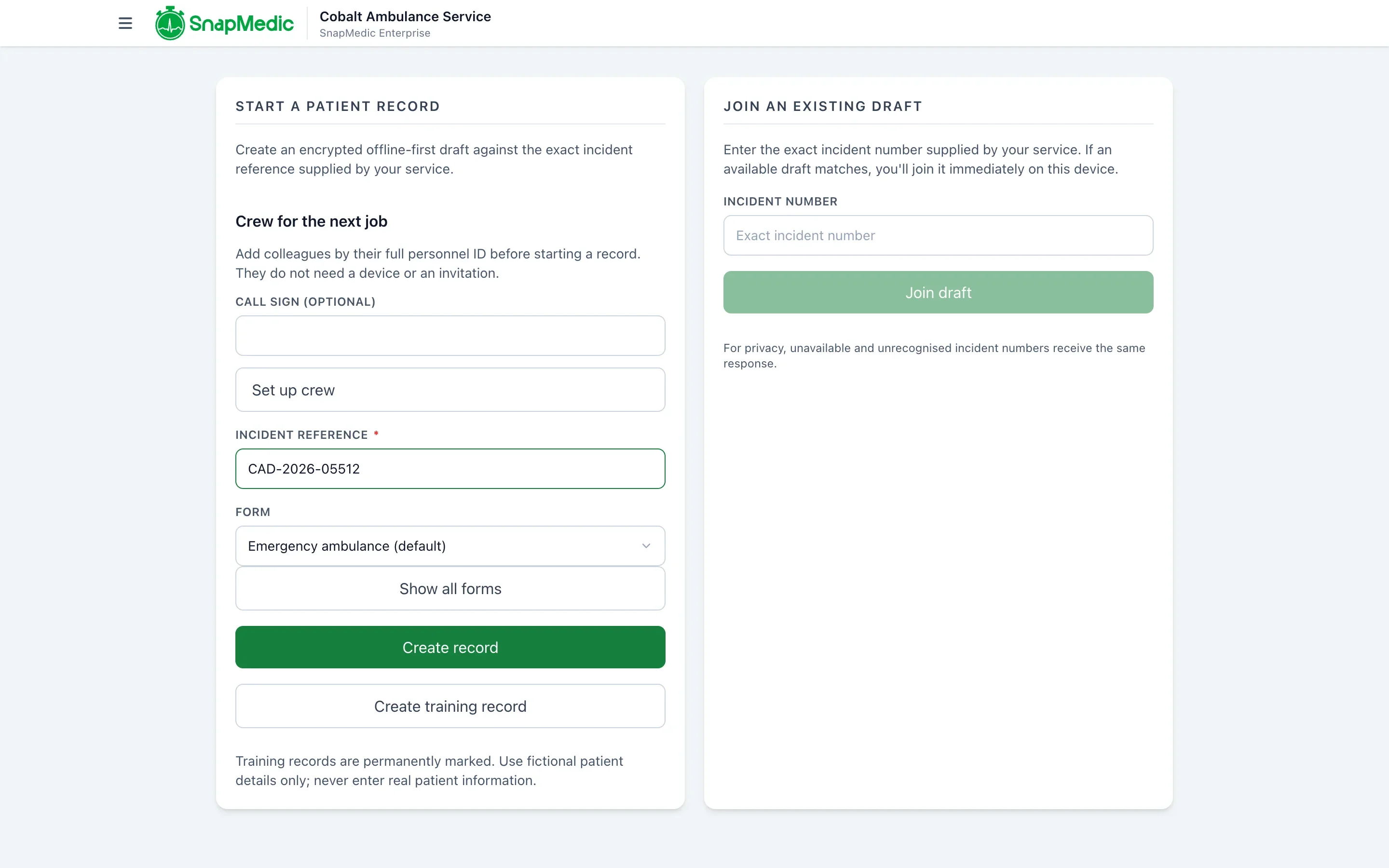
On paper, the second crew member often writes on a separate sheet or waits for the pen. In SnapMedic ePCR, a colleague joins the same record by its exact incident reference, and each entry keeps its author and time.
A paper form lets you hand it over with boxes empty. In ePCR, the clinician sees what is missing and records a written reason to finish with gaps.
Scribbling out an entry on paper leaves a mark and little else. In ePCR, an edit keeps the previous value in the record history. And because records live in one place, nobody scans, files or types them up after the shift.
Some crews find a tablet slower at first. Don't start on your busiest weekend.
Migrating your existing form
Your paper form is the starting point. Bring a current copy and your formulary to any supplier conversation.
You build the patient form yourself in the Console, starting from a SnapMedic template or a blank form. You decide which fields are required, which are optional and which only appear when relevant. A second person has to approve a form before it goes live, so a one-person organisation cannot publish alone. When the form changes, you publish a new version.
Two practical points. First, don't copy every box on the paper form. Some exist only because paper has no way to show a conditional question. Second, decide which fields must be complete before a record is locked, and which can be finished with a written reason.
Old paper records don't move across automatically. Decide whether you'll scan and keep them, and for how long, before your paper stock runs out.
Working offline
Events and rural jobs often have poor signal, so a replacement that stops working there is no use.
A clinician can start a record against an incident or local job reference without a connection. Details are saved on the device, and the app shows how many changes are waiting to send. Starting a new record needs a connection, but reopening a draft already on the device does not. When two crew members share a record and both are online, they see each other's changes within seconds.
Test this before go-live. Put a device in aeroplane mode, record a practice patient, reconnect and check the changes send.
Training
Keep it short and hands-on.
- Run one session where each clinician records a practice patient from start to lock.
- Cover joining a colleague's record, because that step is new.
- Cover what to do if a device fails mid-job. A small stock of paper forms is the simple answer.
- Run a second short session after the first live events, when the questions are specific.
Your administrator also needs a short session on managing members and access. In our standard onboarding that is one remote administrator training session, with anything extra quoted separately.
Questions to ask any supplier
- What can a clinician do without signal, and what has to wait?
- Who changes the form, and how long does a change take?
- Can I export my records if I leave, and in what format?
- Who at the supplier can read patient data?
- What happens to billing before we're live?
We list more in questions to ask before choosing an ePCR system.
A typical timeline
Timelines depend on how complex your form is. For a small provider, this is the rough shape:
- Week 1: share your current form and formulary, agree scope and a quote.
- Weeks 2 to 3: your administrator builds the form and formulary, we help, you invite members and train your administrator.
- Week 4: crew practice sessions and an offline test, with paper kept as backup.
- After that: first live events with paper on hand, then review what to change.
Treat these as planning guesses, not a promise. We agree a live-service date with you in writing, and billing for ePCR starts then.
What we'd do first
If we were moving off paper, we'd run the new system alongside paper for the first two or three events, not switch overnight. It costs a little double entry and removes most of the fear. Then drop the paper once the crew stops reaching for it.
ePCR records the clinician's account of care. It has no dose calculator or dosing decision support, so clinical decisions stay with the clinician, current guidance and your local policy.
To see how it works, read about SnapMedic ePCR. When you're ready, tell us about your service and send your current form.