The clinician who starts a patient record at an event may not be the one who finishes it. They might be working without signal, too. SnapMedic ePCR is the patient-record add-on in the separate, organisation-managed Enterprise app.
Record care offline
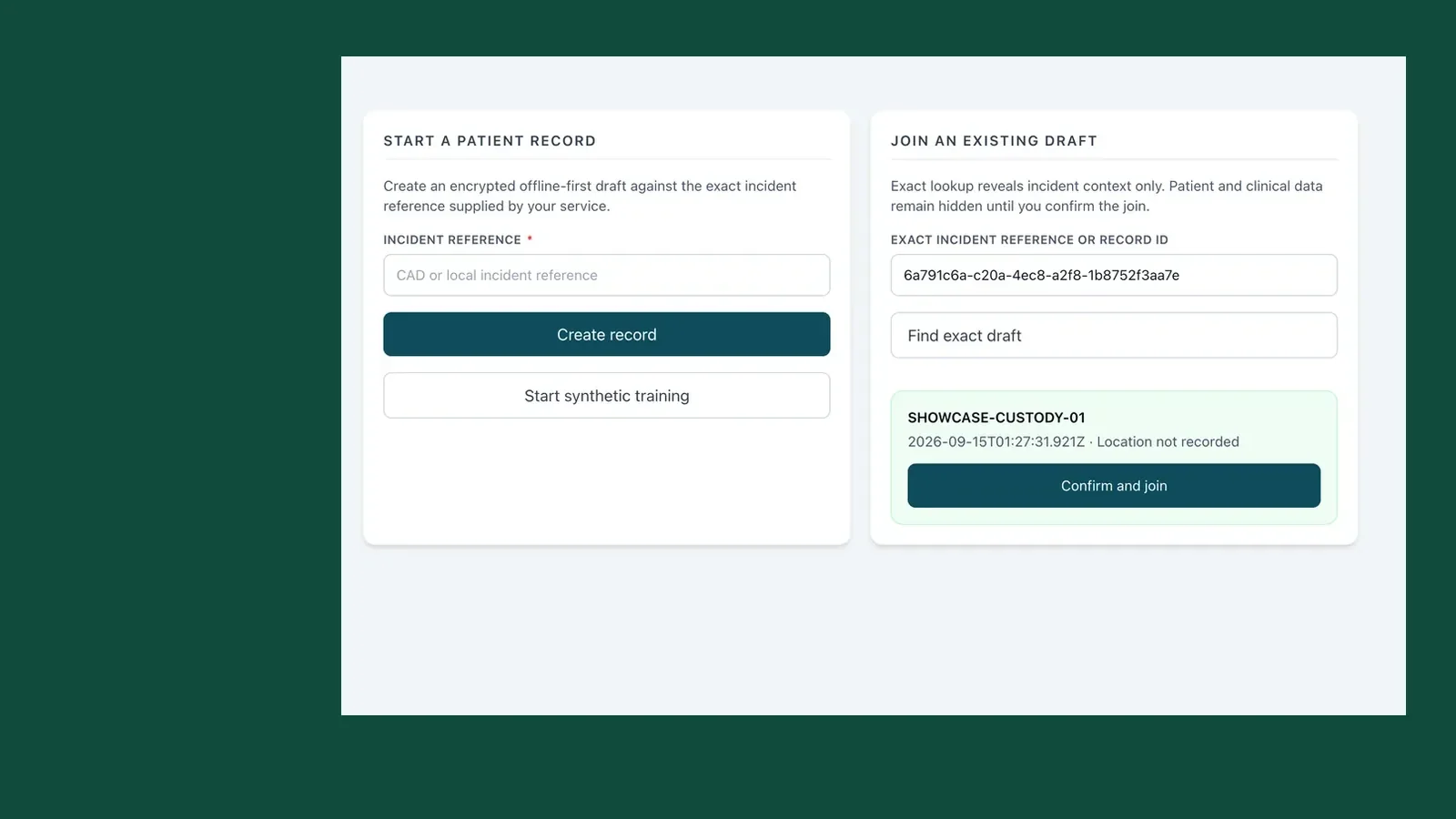
You can start against an incident or local job reference without waiting for a connection. Each patient at that incident gets their own record. The clinician can enter history, observations, interventions and crew notes there and then. If they don't know the patient's name, they can record why the identity is unknown.
Those entries queue on the device. When there's signal again, the clinician syncs them; the app shows what's still pending.
Work on one record across the crew
A colleague can find the draft with the exact incident reference or record ID. They see which incident it belongs to before joining the clinical record. From there, both clinicians can contribute. Each entry carries its author and time, and an edit keeps the previous value in the record's history.
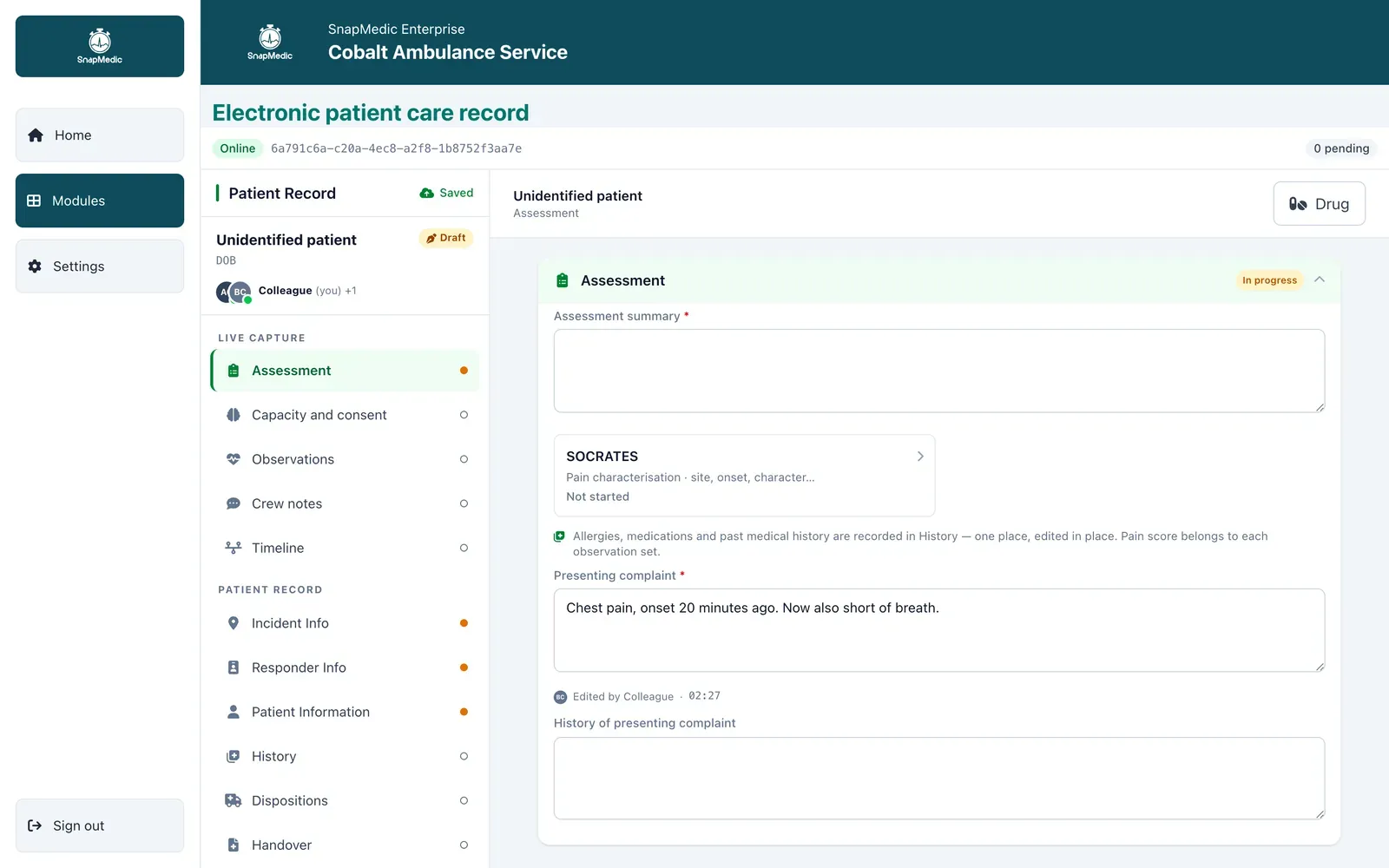
Product screen with synthetic demonstration data.
Changes appear on the other clinician's device after it syncs. If care passes from one crew member to another, the next person can see what was entered and who entered it.
Use forms and a formulary that fit your service
We set up the patient form with your service. You decide which fields are required, which are optional and which appear only when they're relevant. When the form changes, we publish a new version.
Medicine entries come from your organisation's formulary. The clinician records what was administered, including quantity, unit and route, with separate administration, witness or disposal signatures where needed. Treatment and dosing decisions stay with the clinician.
If you have a current patient form and formulary, bring them when you get in touch. We can work from what your crews actually use and give you a written quote for Enterprise and ePCR, including hosting and support.